For patients
Your medicines, stored at the required temperature and recorded automatically.
The Nexus app reads your pharmacy labels, keeps your plan in one place and tells you when you are running low. A Med Pod keeps your medicine at its required temperature and records each dose as you take it out, so there is nothing to write down.
A day with Nexus
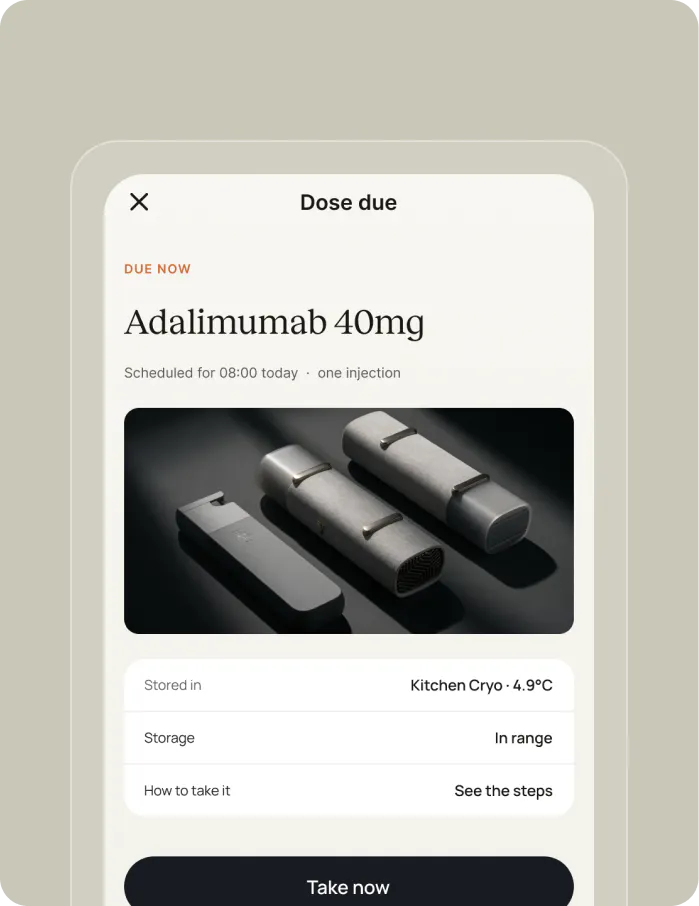
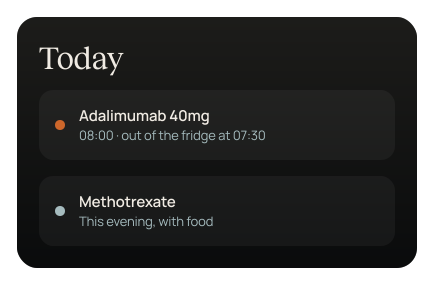
The app tells you which dose is due and when, and your Med Pod shows you where it is.
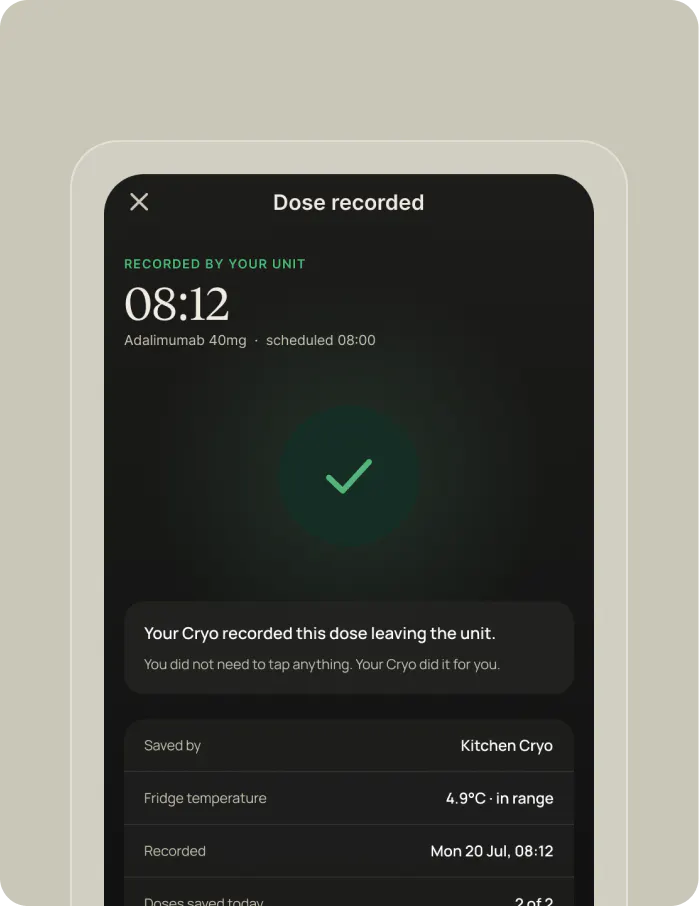
Take the dose out of your Med Pod and it is recorded automatically, with nothing to confirm.
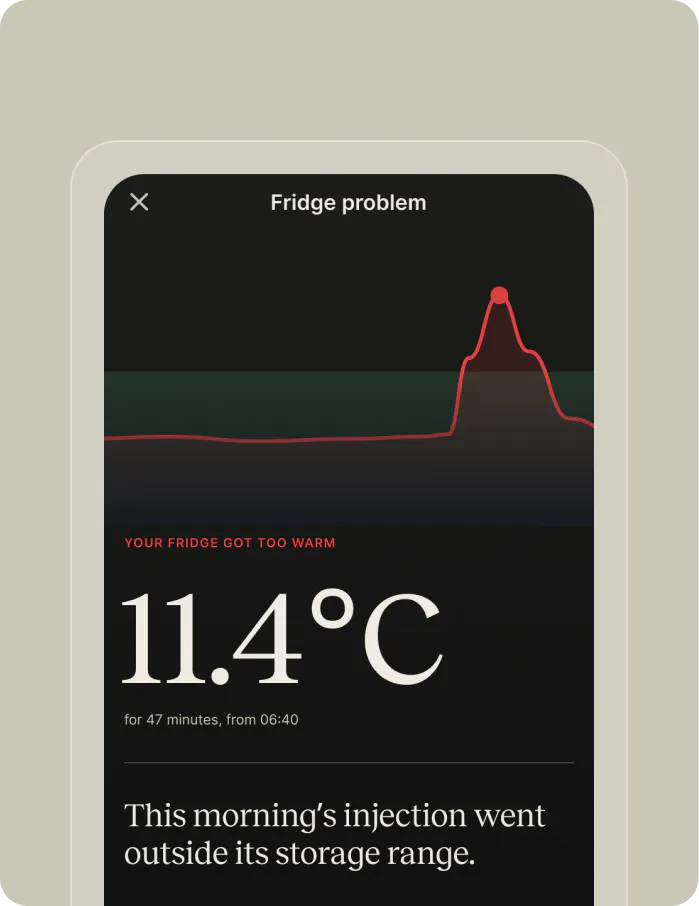
If your medicine has been outside its temperature range, the app tells you before you use it and suggests you check with your pharmacist or clinician.
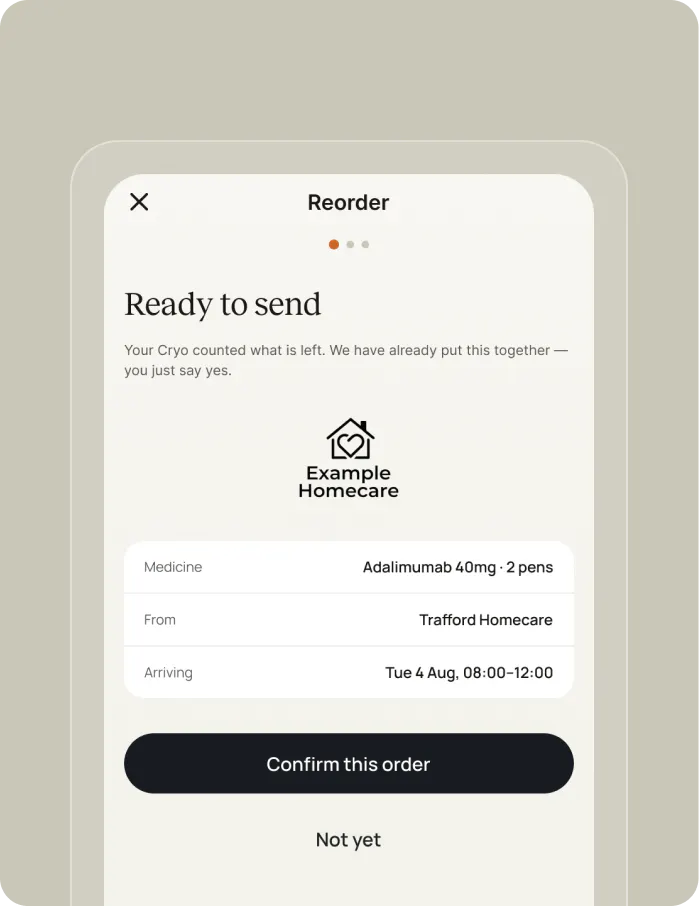
When you are running low, a repeat request is prepared for your pharmacy, and nothing is sent until you approve it.
Your pharmacy label, in plain language.
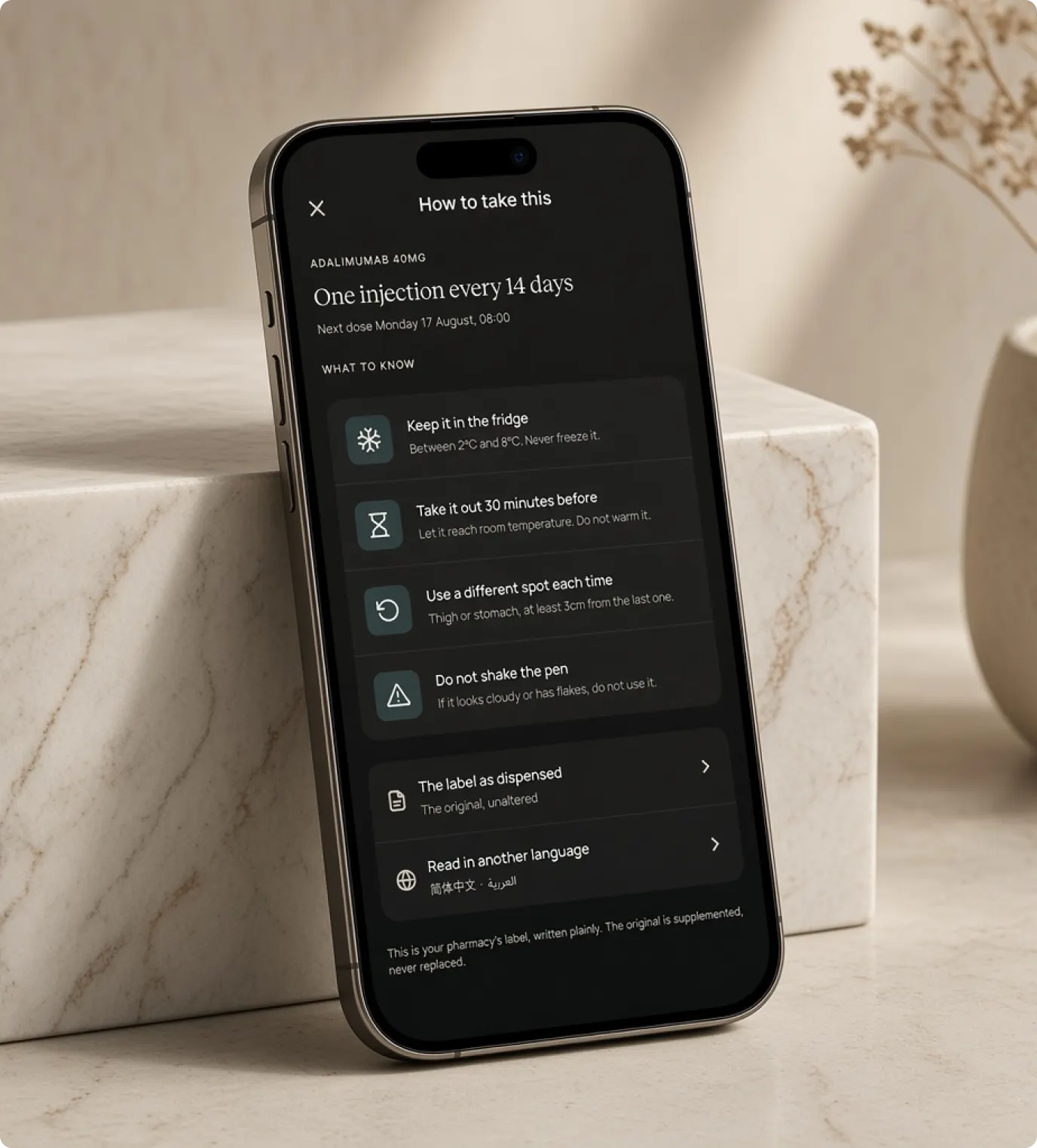
Pharmacy labels are small and dense, so the Nexus app shows each instruction in plain language, with a pictogram, in the language you choose. Pictograms always come with words, and the original label stays on your medicine and on screen whenever you need it.
Repeat supplies, prepared for your approval.
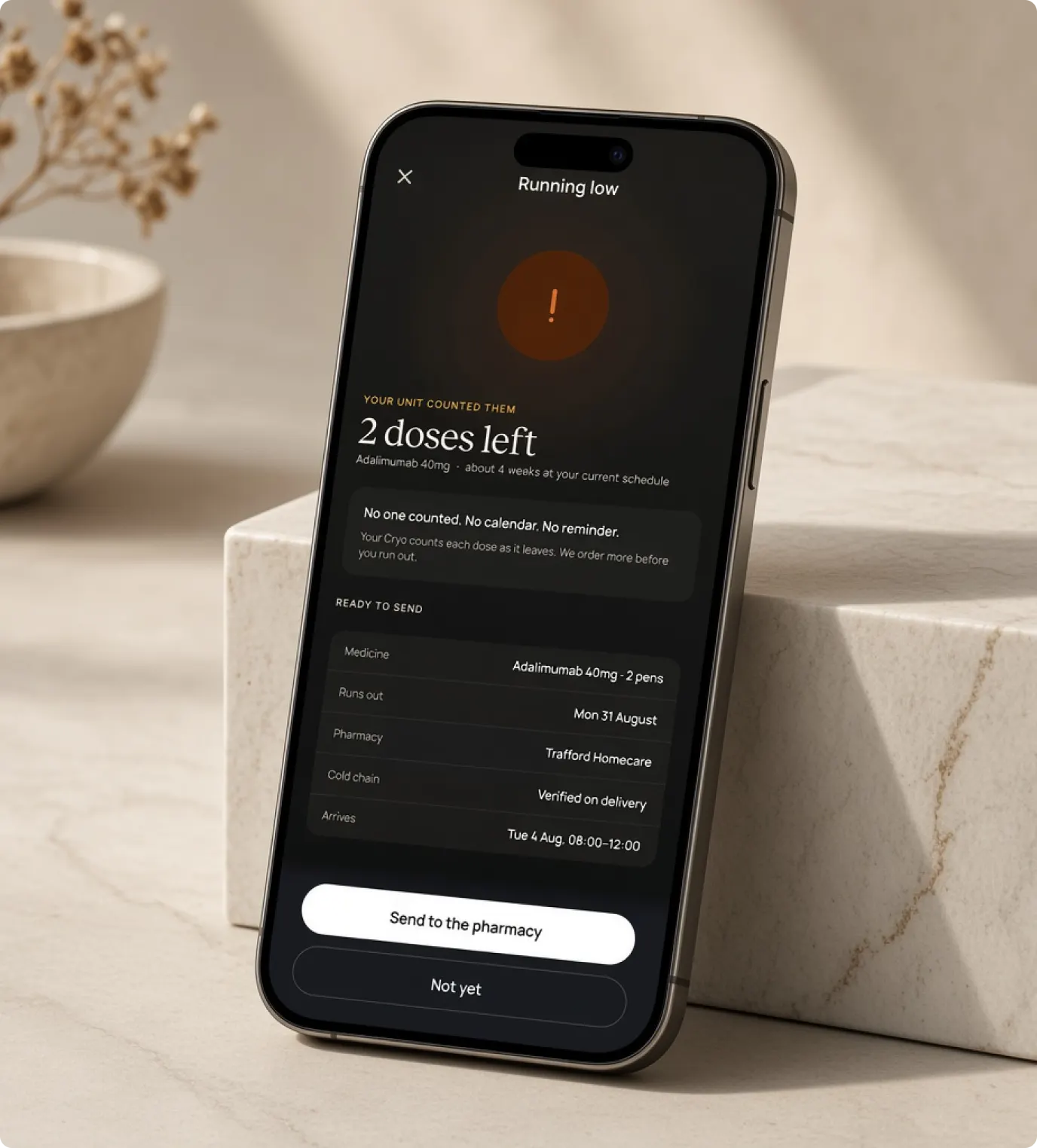
Nexus Replenish tracks how much medicine you have left and, when you are running low, prepares a repeat request for your named pharmacy. You approve each request before it is sent, can pause or stop it at any time, and are reminded to ask your clinician when you need a new prescription. With a Med Pod, the count comes from the Med Pod itself.
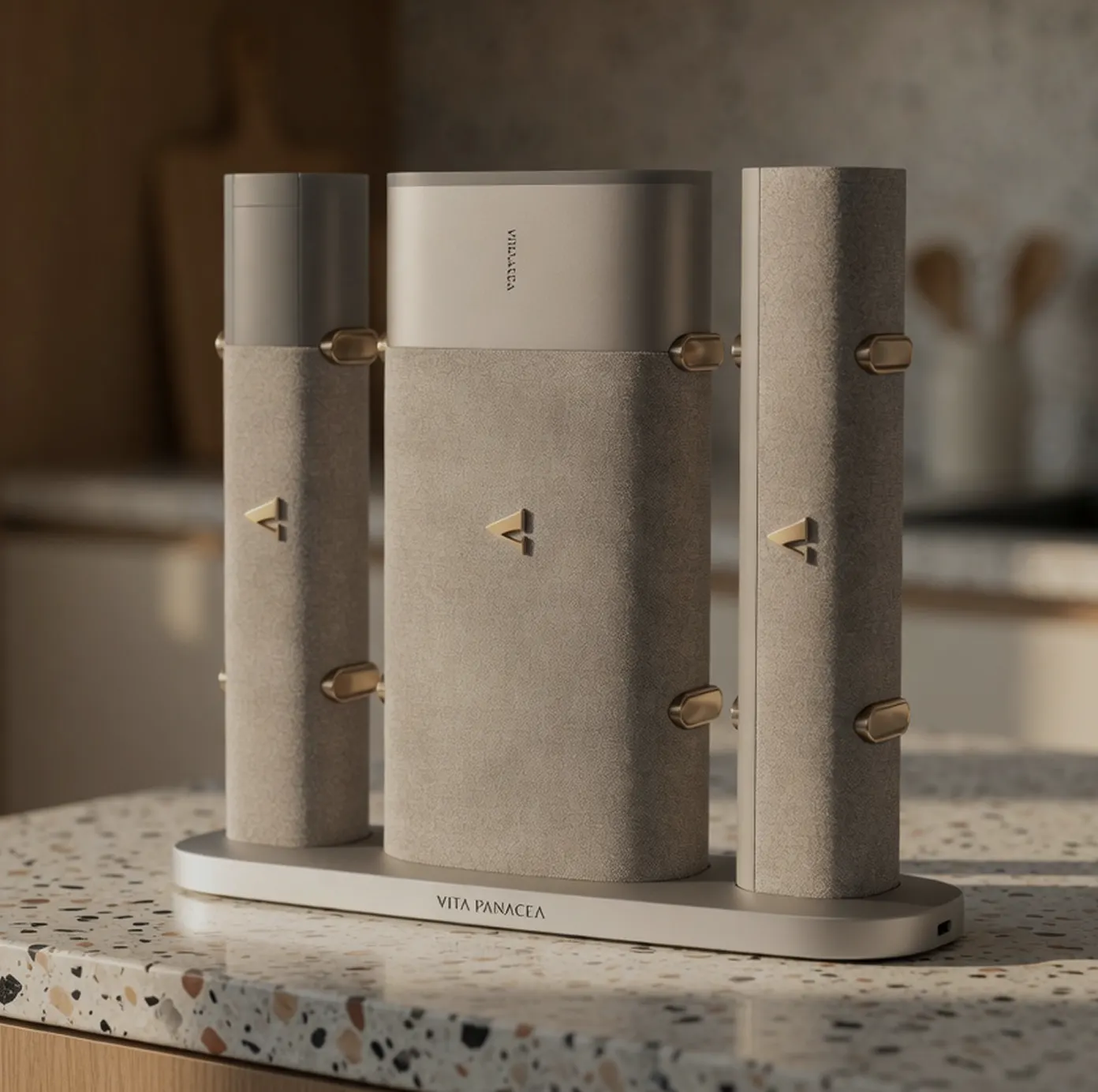
The Nexus device: three Med Pods for room-temperature medicines, cold-chain medicines and sharps.
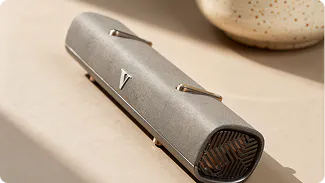
Nexus Air
Nexus Air holds tablets, capsules and room-temperature medicines and records each dose as it is removed.
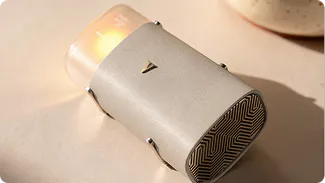
Nexus Cryo
Nexus Cryo holds injectables and biologics between 2 and 8°C, logs the temperature minute by minute and records each dose as it is removed.
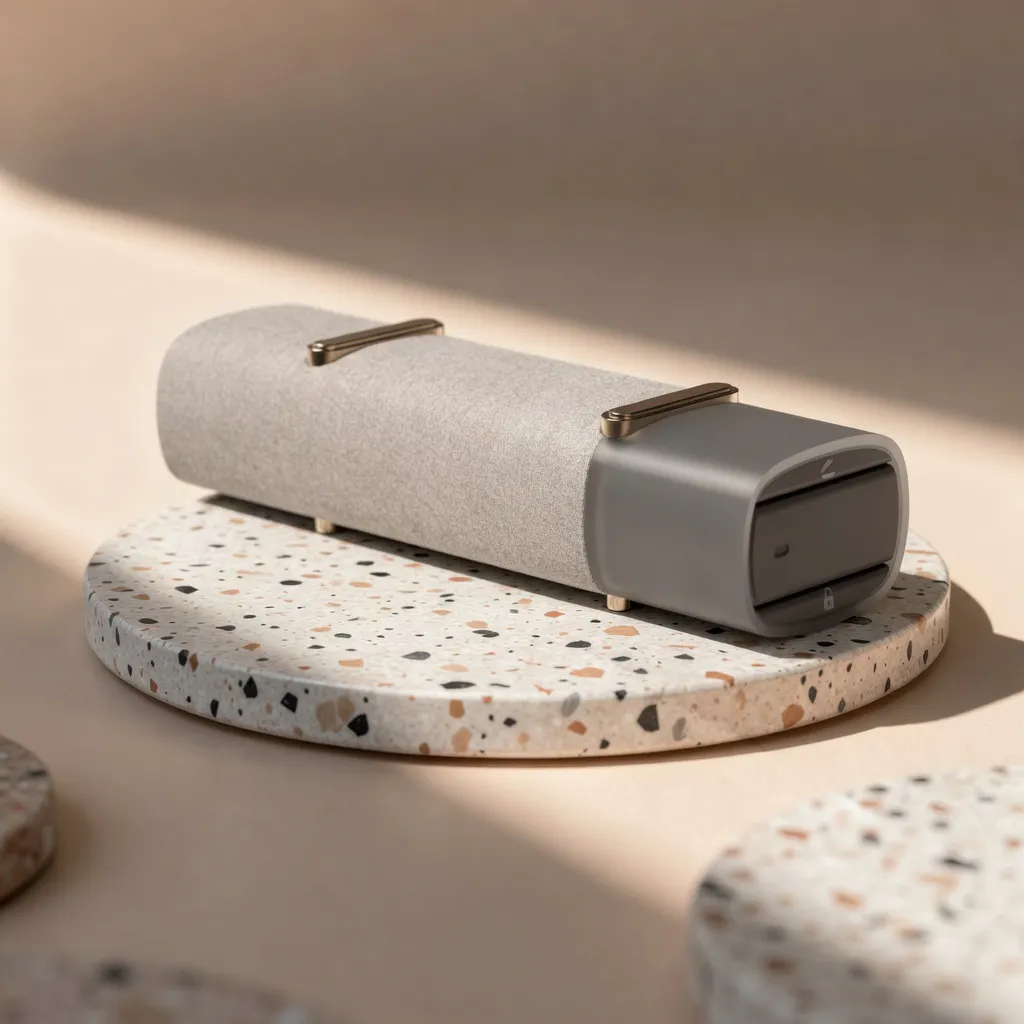
Nexus Edge
Nexus Edge takes used pens and needles and records each disposal alongside the dose before it.
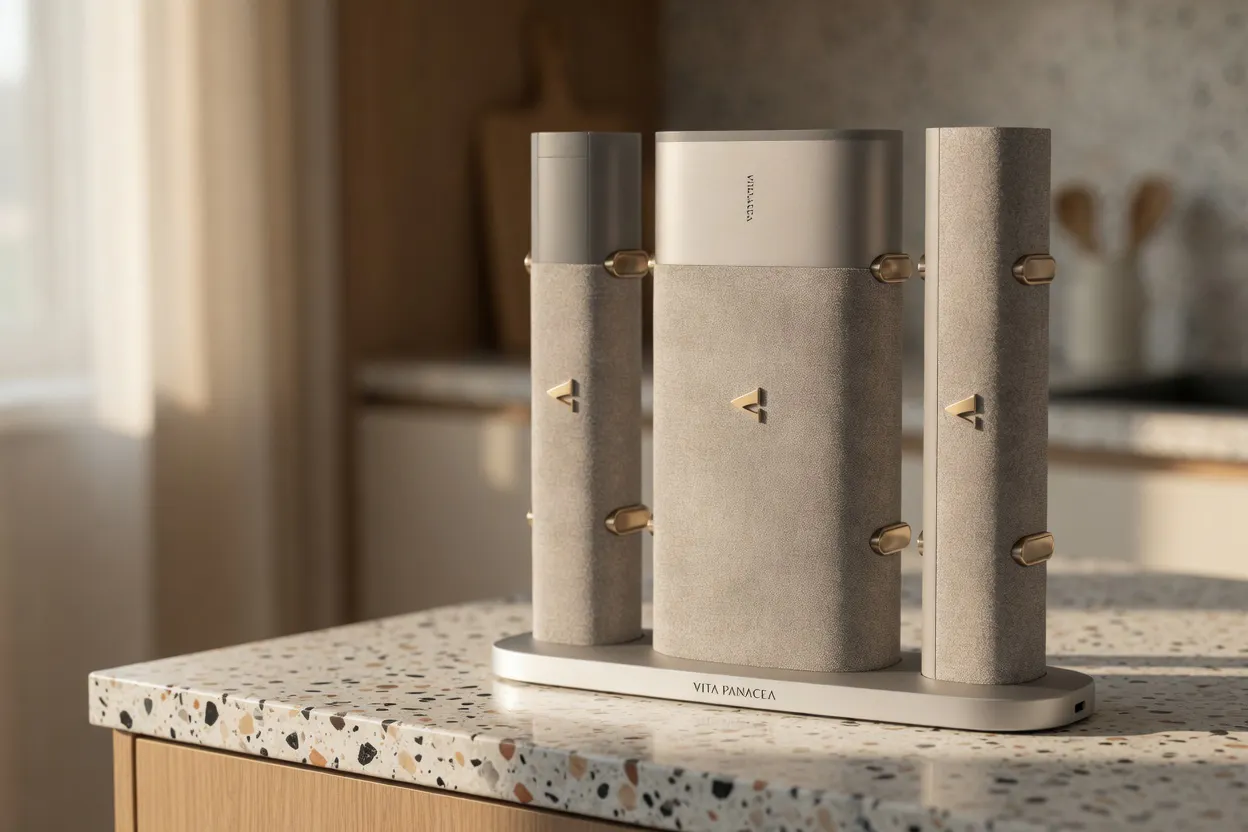
Nexus Charging Plinth
The charging plinth for your Med Pods. At home they sit on it and charge, and when you go out, they come with you.
Who sees your record
It is your record
Everything the app and your Med Pods record belongs to you, and you choose who else sees it.
People you name
You can give a partner, family member or carer one of three levels of access: to be kept informed, to view your record, or to act on your behalf.
Changing your mind
You can withdraw any permission at any time, without asking anyone.

Always check your medicine before you take it. Nexus keeps the record, but it cannot check the medicine in your hand.
Read the instructions that come with your medicine, and speak to your clinician or pharmacist about anything to do with your treatment.
Four roles, one record
The clinician, the patient, the pharmacy and the care team each hold part of the picture, and none can see the rest. Nexus gives all four the same record, with nothing re-keyed or self-reported.

- 01
Prescribed
- 02
Supplied by the pharmacy
- 03
Placed in the Med Pod
- 04
Kept in range
- 05
Removal recorded
- 06
Added to the record
- 07
Shared with the care team
- 08
Replenished
Have a question about Nexus?
To find out how Nexus works or when it will be available, send us your question and our team will respond personally.